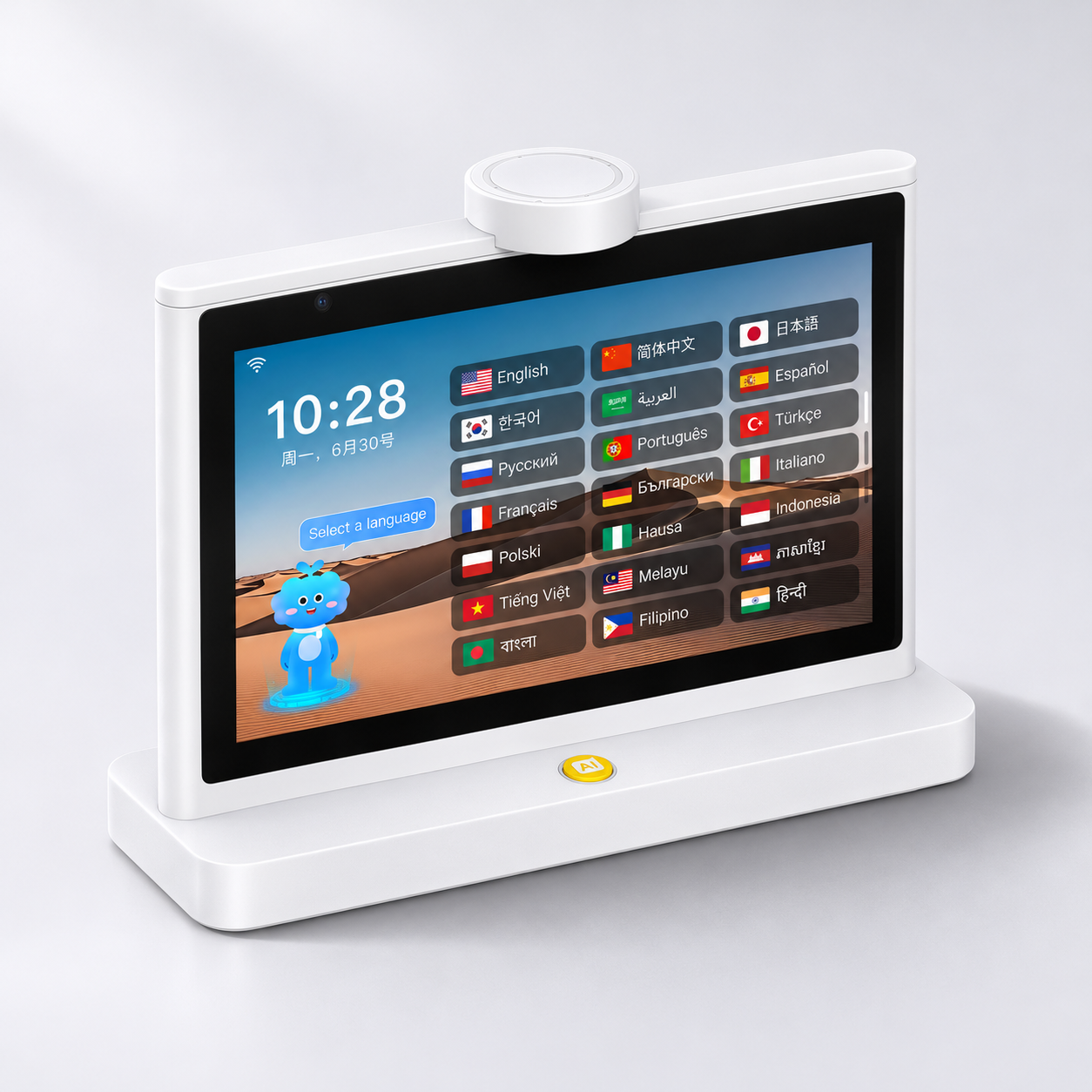
How to Add a Translation Device
In the Im Mate app, tap + to add a device and choose the Wi-Fi network for the translator. Once connected, it shows up on the app home screen.
Updated Oct 27, 2026
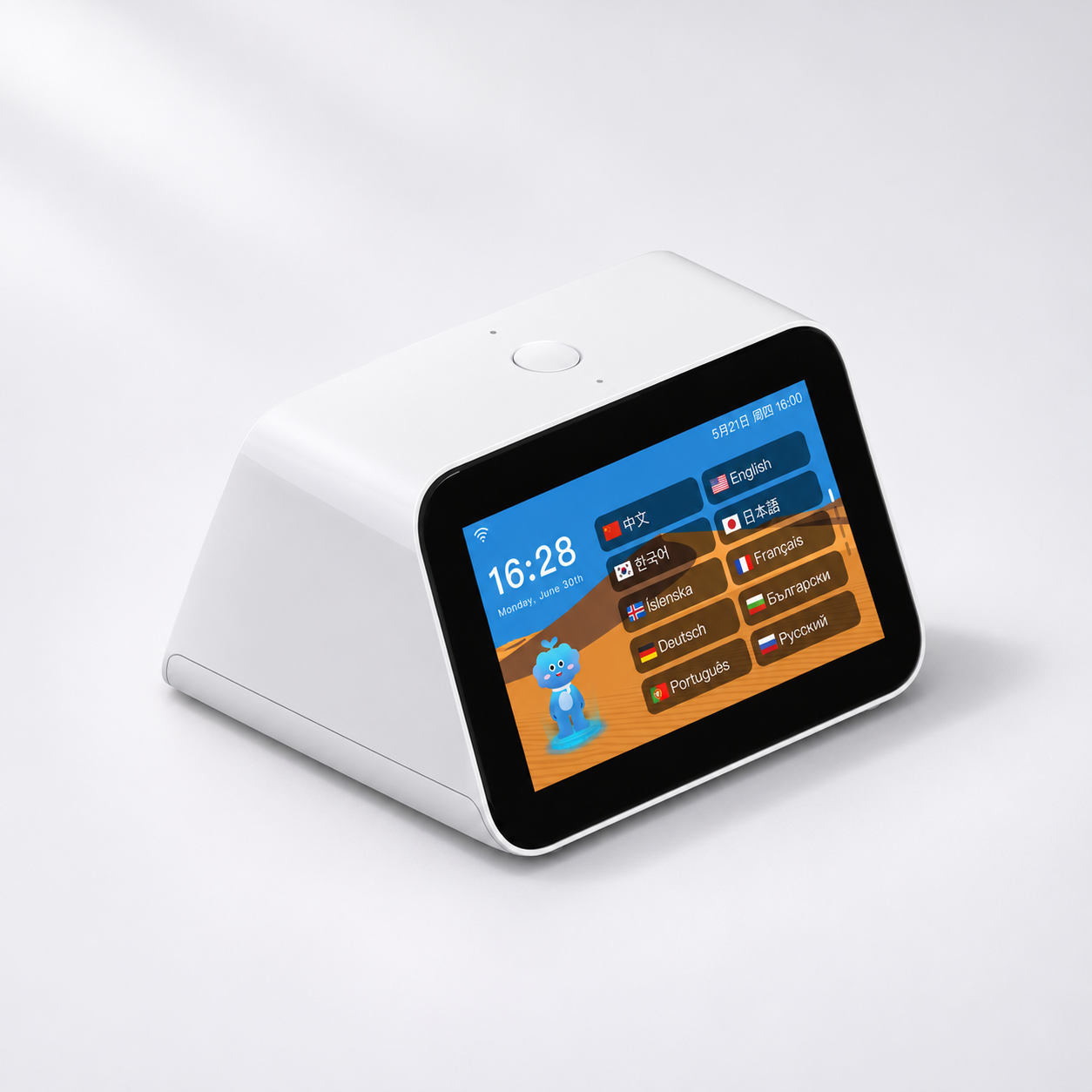
T5 Max
Small enough for any counter
A desktop AI translator with a 5-inch touchscreen. Compact enough for checkouts, help desks and trade-show booths. Pick a language and start talking.
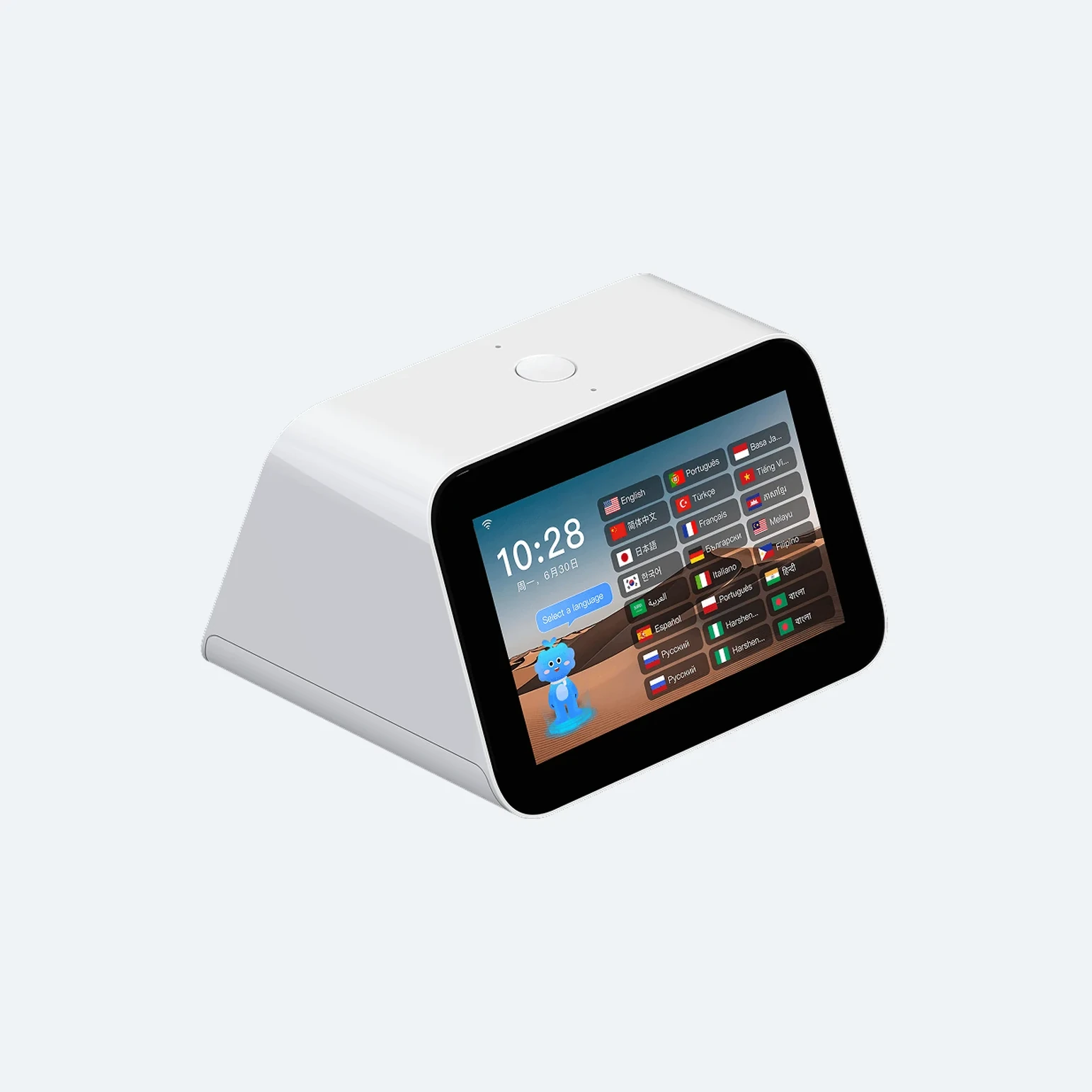
Smaller than a book. Set it on a checkout or help desk and it's ready.
5-inch screen (sample)

One button on top, nothing to learn. The translation shows on screen and is read aloud.
Push-to-talk (sample)
The T5 Max is a 5-inch desktop AI translator. It's compact, with a single button on top, so it fits on a checkout counter, help desk or trade-show booth.
Pick both languages on the screen, hold the button and speak. The translation appears on screen and is read aloud. A good fit for shops, small hotels and booths that don't need two screens.
Sample copy. Final content will come from Cylan.
In the Im Mate app, tap + to add a device and choose the Wi-Fi network for the translator. Once connected, it shows up on the app home screen.
Updated Oct 27, 2026
After a conversation, open the Im Mate app to see the translation history and generate a summary from a template. Picked the wrong template? Generate it again.
Updated Oct 27, 2026
Pick the scenario that matches your use, such as hotels and dining or transport and travel, for more accurate translation. The translator works without one too.
Updated Oct 27, 2026
The T10 Max translates in real time between 70 languages, including English, Simplified and Traditional Chinese, Cantonese, Japanese, Korean, Arabic, Spanish, Russian, French and German. See the T10 Max page for the full list. Connect it to the internet and start talking.